Key takeaways
- Translator earbuds work in 4 steps: microphones capture speech, an app turns it into text, translates it, and speaks the translation in your ear.
- Apple's AirPods Live Translation processes on the iPhone once languages are downloaded; Samsung's Galaxy Buds Interpreter relies on cloud processing and needs internet.
- Most work in 2 modes: one-way listening for talks and tours, and two-way conversation where the other person reads or hears your reply on the phone.
- In a Which? test of AirPods Pro 3, the meaning usually came through, but names got garbled and background noise caused delays and word-for-word translations.
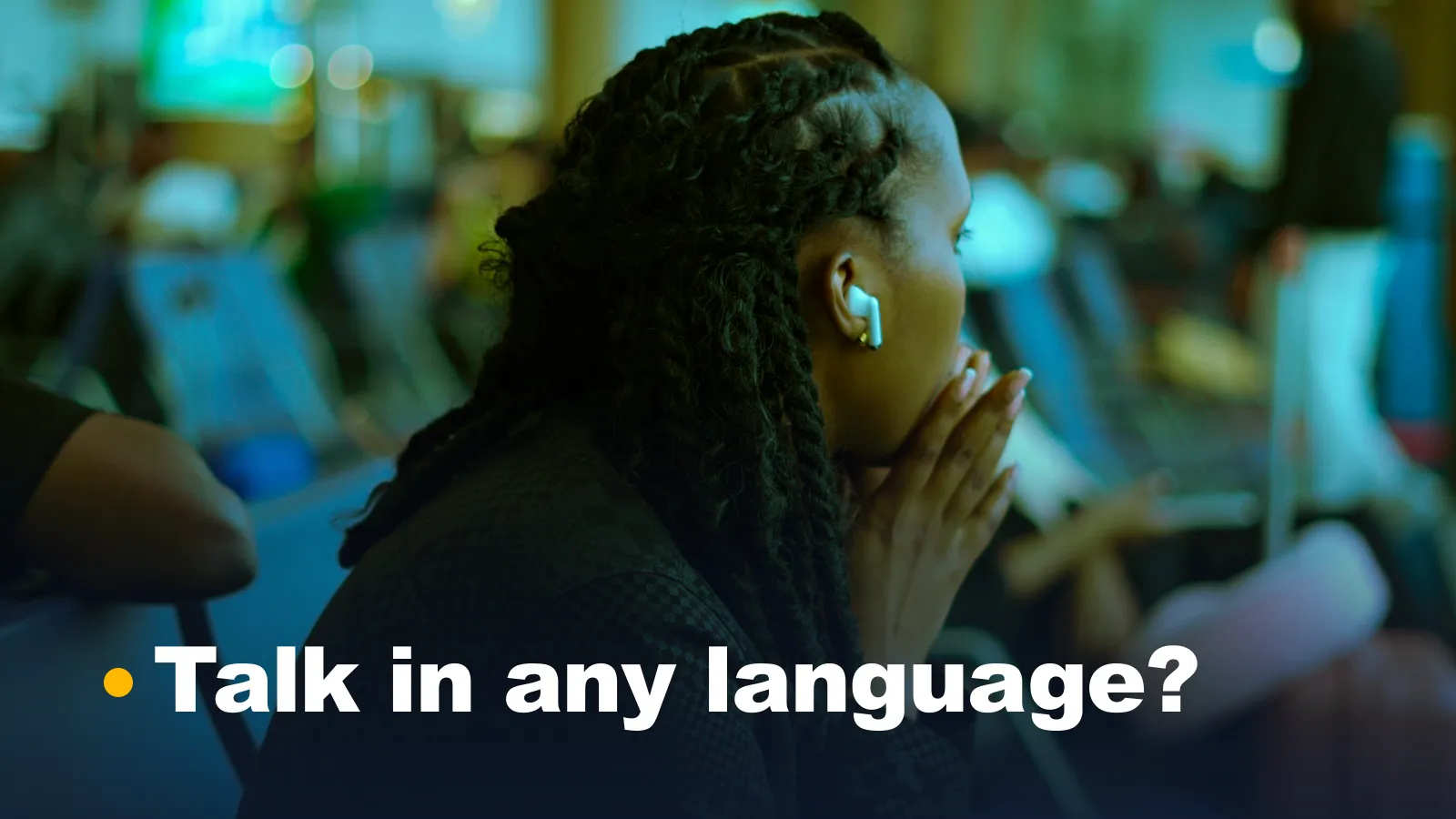
Translator earbuds are wireless earbuds that, together with a phone app, translate speech from another language and play the translation in your ear in near real time. This guide explains how they work step by step, the 2 main modes, how Apple, Google and Samsung earbuds compare, what dedicated translator earbuds add, and where accuracy breaks down.
How do translator earbuds work?
Translator earbuds work in 4 steps, with the phone app doing most of the work, according to Samsung and Google:
- Capture. The earbud and phone microphones pick up the other person's speech.
- Transcribe. Speech recognition turns the speech into text.
- Translate. Machine translation converts the text into your language.
- Speak. The app plays the translation in your ear, and shows or speaks your reply on the phone.
Where the processing happens varies. Apple says that once you download the language models, all processing takes place on your iPhone, while Samsung says its Interpreter relies on cloud-based AI and needs an internet connection.
What modes do translator earbuds have?
Most translator earbuds have 2 modes: listening mode for one-way translation and conversation mode for two-way talk.
- Listening mode translates what you hear, such as a tour, lecture or talk. On Galaxy Buds you can pinch an earbud to pause and resume.
- Conversation mode translates both ways. You hear the translation in your earbuds, and the other person reads or hears your reply on the phone.
Apple adds that if the other person also wears supported AirPods with Live Translation on, they hear your reply in their own AirPods. It also works on phone and FaceTime calls.
How do AirPods, Pixel Buds and Galaxy Buds compare?
All 3 phone makers build translation into their own earbuds, but each needs its own phone and software.
| Apple AirPods | Google Pixel Buds | Samsung Galaxy Buds | |
|---|---|---|---|
| Earbuds | AirPods 4 (ANC), AirPods 5, Pro 2, Pro 3, Max 2 | Pixel Buds | Buds3, Buds3 Pro, Buds3 FE |
| Phone | iPhone 15 Pro or later, iOS 26, Apple Intelligence | Gemini-compatible Android phone | Supported Galaxy phone or tablet, Galaxy AI |
| Processing | On the iPhone after download | Internet needed; offline language packs | Cloud, needs internet |
| Languages | 11 options since iOS 26.1 | 40 on Google's support page | Not stated on Samsung's pages |
Google said in August 2026 that a Pixel Buds update would let listening mode understand over 70 languages. Our guide to smart glasses covers glasses that translate as well.
What do dedicated translator earbuds add?
Dedicated translator earbuds, such as Timekettle and Vasco, work with any phone through their own app and usually support more languages and a shared-earbud mode.
Timekettle's W4 lists 52 languages and 96 accents, 8 offline languages, and claims 98% accuracy with a 0.2-second delay; those are the maker's claims, not independent tests. Its battery lasts 6 hours in the earbuds alone and 18 hours with the case. Vasco's E1 lets 2 people each wear an earbud, or one wear an earbud while the other uses the phone, and its app can include up to 10 people in a conversation.
How accurate are translator earbuds?
Translator earbuds usually get the meaning across, but they make mistakes, especially with noise, names and long sentences. Apple warns that Live Translation uses generative models and its output can be inaccurate, unexpected or offensive.
In a July 2026 test by the consumer group Which?, 4 bilingual speakers tried AirPods Pro 3 in Italian, Spanish, German and French. They found 4 limits:
- Names got garbled, such as "British Airways."
- Background noise caused word-for-word translation and long pauses in Spanish.
- Long or complex sentences were slow to translate in French.
- Hearing both voices at once, the speaker and the translation, was distracting.
Speech recognition can also struggle with accents: a 2020 Stanford study found 5 major systems misheard 35% of words from Black speakers against 19% from white speakers, though those systems have changed since. In noisy places, Apple suggests moving the iPhone closer to the speaker, and noise cancelling helps you hear the translation clearly; our guide to how noise cancelling works explains why.
Common questions
Do translator earbuds work without the internet?
Some do, for some languages. Apple's Live Translation runs on the iPhone once you download the languages, and Timekettle lists 8 offline languages for its W4, but Samsung's Interpreter needs internet for its cloud processing.
Can both people hear the translation in their earbuds?
On AirPods, yes, if the other person also wears supported AirPods with Live Translation on. Otherwise they read the transcript or hear it from the phone speaker. Timekettle and Vasco let you share one earbud with the other person.
How accurate are translator earbuds?
They get the meaning across in most everyday speech, but they aren't perfect. Apple warns its translations can be inaccurate, and testers found names garbled and delays with background noise or long sentences.
Which AirPods support Live Translation?
AirPods 4 with ANC, AirPods 5, AirPods Pro 2, AirPods Pro 3 and AirPods Max 2, with an iPhone 15 Pro or later running iOS 26 and Apple Intelligence turned on.
Writes guides and reviews for ProductHunter.