Key takeaways
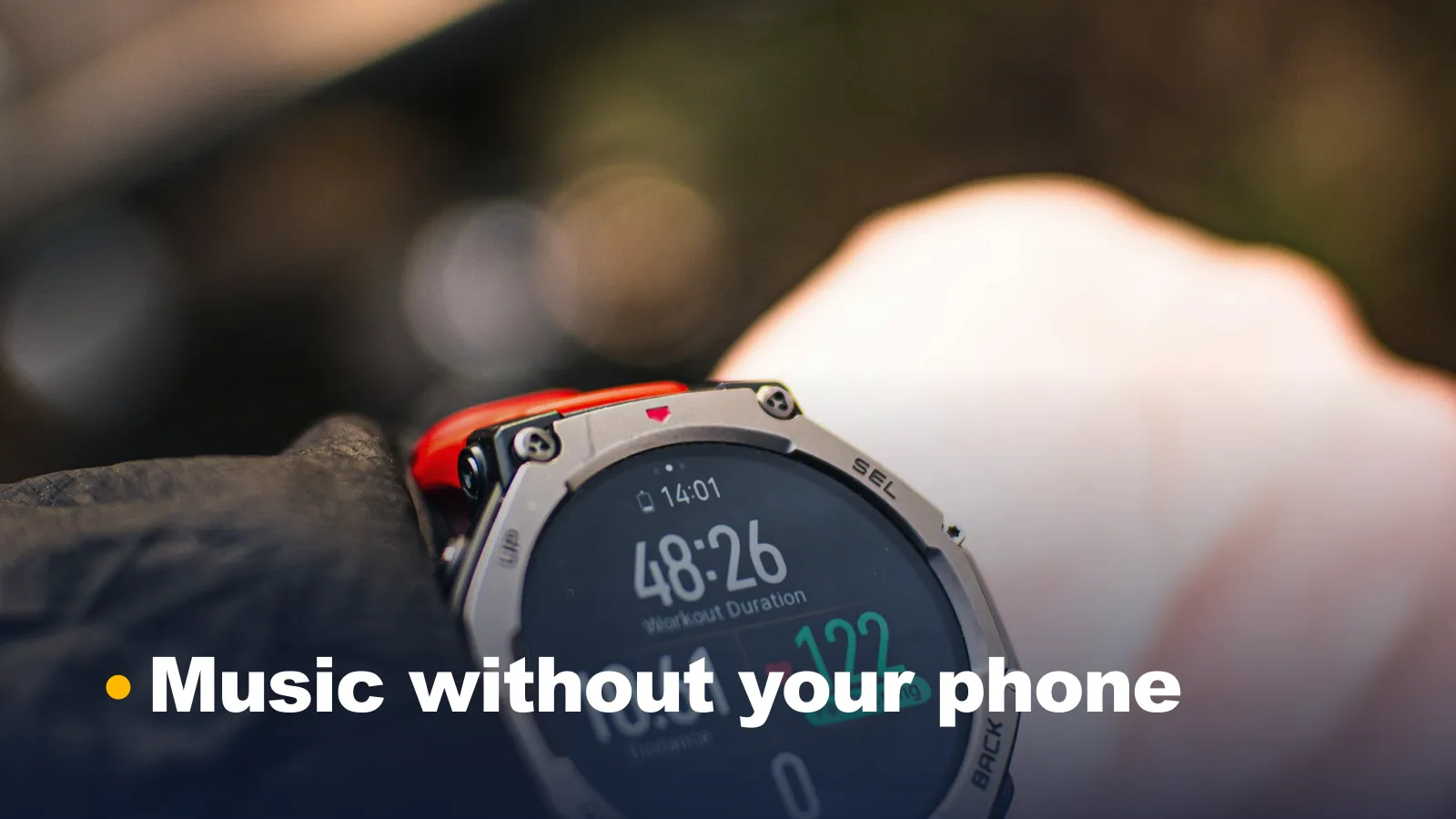
- Garmin watches with music storage can play 3 kinds of music: downloads from a streaming service, your own audio files, and music on your phone.
- Garmin supports 4 streaming services: Amazon Music, Deezer, Spotify and YouTube Music, each with a paid plan; Apple Music isn't supported.
- Downloads need Wi-Fi, but once synced the music plays with no phone, as long as the watch reconnects to the internet now and then.
- Most Garmin watches need Bluetooth headphones to play music; the fēnix 8 and Venu 3 can also play through their own speaker.
Putting music on a Garmin watch means loading songs onto its built-in storage so you can listen with Bluetooth headphones without carrying your phone. This guide covers which watches can store music, how to download from streaming services, how to copy your own files, how to pair headphones, and how to fix common sync problems.
Which Garmin watches can play music?
Garmin watches with music storage can play music, and Garmin offers it across the fēnix, Enduro, Venu, vívoactive, Forerunner, Approach, MARQ, tactix, quatix, Descent and D2 lines. Not every model in those lines has it, so check Garmin's "watches with music storage" list.
Older models put "Music" in the name, such as the Forerunner 245 Music or vívoactive 3 Music. Newer ones, including the Forerunner 265 and 970, fēnix 8, Venu 3 and 4, and vívoactive 5 and 6, have music storage without the word in the name.
How do you download music from Spotify or other services?
You download from a streaming service through its Connect IQ app, over Wi-Fi. Garmin supports 4 services, each with a paid plan:
| Service | Plan needed |
|---|---|
| Spotify | Premium (including Duo, Family and Student) |
| Amazon Music | Music Unlimited (Prime gives only All Access playlists) |
| Deezer | Premium or Family |
| YouTube Music | YouTube Music Premium or YouTube Premium |
Garmin gives these 4 steps:
- Install the app. In the Connect IQ Store app, search for the service, select Install, then Allow. It installs at the next sync.
- Connect your account. On the watch, open Settings > Music > Music Providers, choose the service and follow the prompt in the Garmin Connect app.
- Choose music. Under Music Providers, pick the service, a category, then playlists or podcasts.
- Sync over Wi-Fi. Use Sync or Update Downloads to download and refresh playlists.
Garmin warns that downloading can drain the battery, so keep the watch on its charger while it syncs.
How do you put your own music files on a Garmin?
You copy your own files with Garmin Express, Garmin's computer app for Windows and Mac. Garmin gives these 5 steps:
- Connect the watch to your computer with its USB cable.
- Open Garmin Express, select Add a Device, then your watch.
- Select Music, then choose Songs, Playlists or Podcasts under My Music or your iTunes library.
- Tick the files you want.
- Select Send to Device.
Garmin supports MP3, M4A (not Apple Lossless), AAC, WAV and M4B files. Files must be on the computer's own drive, not an external drive or cloud storage, and copy-protected files won't transfer. Songs need their title and artist details (ID3 tags) or they may show up as strings of letters and numbers.
How do you connect headphones to a Garmin watch?
You pair Bluetooth headphones from the watch's music settings. On the fēnix 8, Garmin gives 3 steps:
- Put your headphones in pairing mode within 2 m (6.6 ft) of the watch.
- Open Watch Settings > Music > Headphones > Add New.
- Select your headphones.
On the vívoactive 5 the path is Settings > Music > Headphones > Add New. The vívoactive 5 needs Bluetooth headphones to play music, while the fēnix 8 and Venu 3 can also play through their built-in speaker.
You can also control music playing on your phone: on a Forerunner 265, open Music > Music Providers > Control Phone.
What if music won't sync to your Garmin?
Garmin says music can't sync if Wi-Fi is off or Power Manager is on. It suggests these 5 fixes:
- Use a secure Wi-Fi network and stay close to the router.
- Update the watch software.
- Update the Connect IQ and music apps under Device > Updates > Update All.
- Keep the watch on its charger while it syncs.
- Restart and sync the watch if the music app is missing.
If your headphones keep connecting to your phone instead, turn off your phone's Bluetooth or move it 10 m (33 ft) away, then pair again. If music cuts out, wear the watch on the same side as the headphones' antenna. Our Garmin Forerunner 265 review covers a watch with music storage, and our guide to which Garmin watch is right for you explains each series.
Common questions
Can I put Apple Music on my Garmin watch?
No, Apple Music isn't supported. Garmin says songs bought from the iTunes Store can be copied to the watch with Garmin Express on a computer.
Do I need my phone to play music on a Garmin?
No, once the music is downloaded. Synced music plays without a phone or Wi-Fi, but streaming services need the watch to reconnect to Wi-Fi now and then to check your account; the vívoactive 5 manual says every 7 days.
How many songs can a Garmin watch hold?
Garmin says music watches hold up to 500 files, if the memory allows. The Forerunner 265 and Venu 3 have 8 GB of memory in total and the vívoactive 5 has 4 GB.
Can I use Spotify Free on a Garmin watch?
No. Garmin says Spotify needs a Premium plan, including Duo, Family and Student, to download playlists to the watch.
Writes guides and reviews for ProductHunter.