Key takeaways
- Oura sizes differ from standard US ring sizes, so only an Oura sizing kit gives your true size.
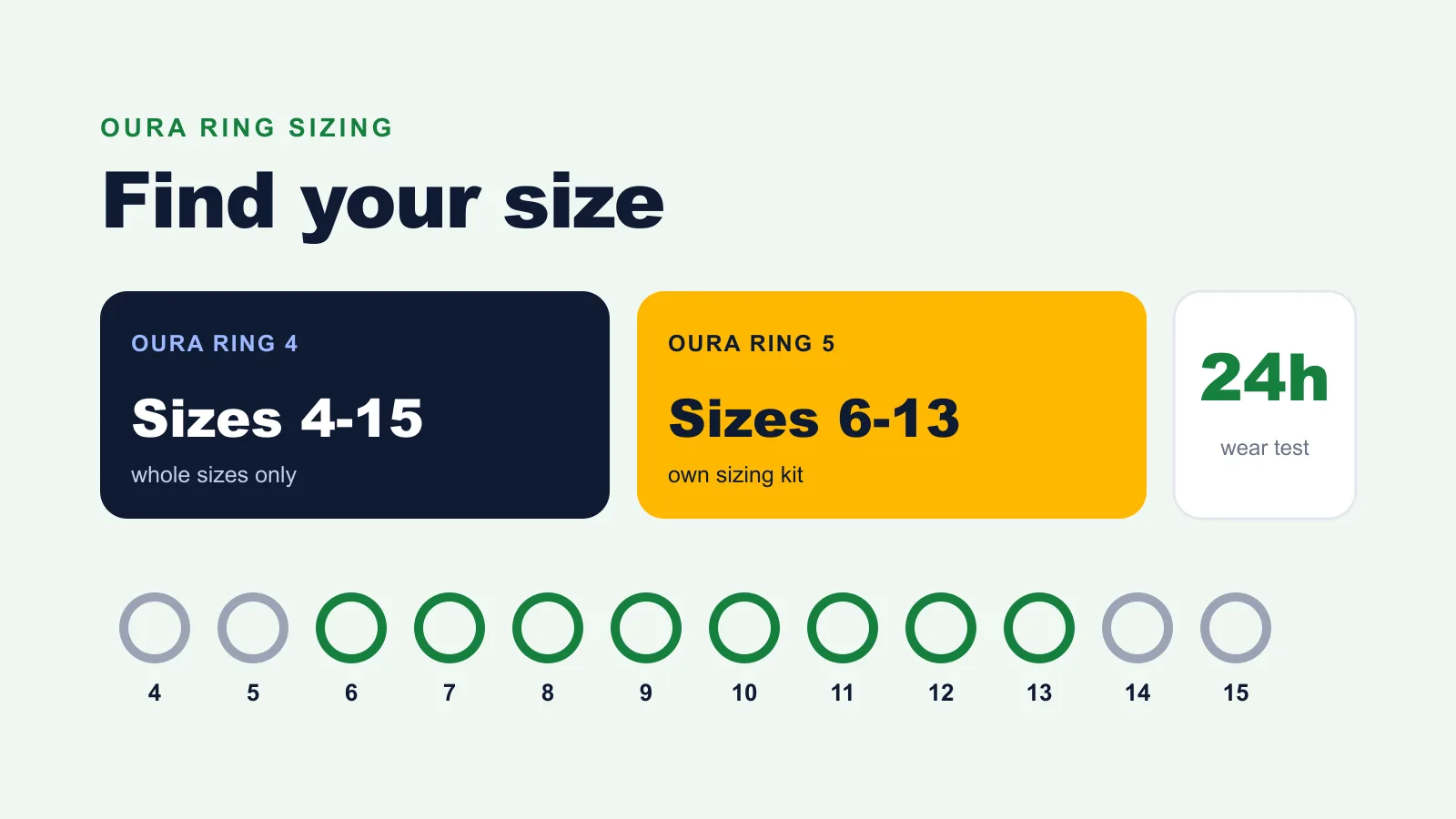
- Oura Ring 4 comes in whole sizes 4 to 15, and Oura Ring 5 in whole sizes 6 to 13.
- Wear the sizer for at least 24 hours, including a night's sleep, because fingers change size during the day.
- Between 2 sizes, choose the smaller one: the sensors need close contact with your skin.
Oura Ring sizing is the process of finding your size with Oura's own plastic sizers, because Oura sizes do not match standard US ring sizes. This guide covers the sizes each Oura Ring comes in, how to get a sizing kit, the 5 steps to find your size, which finger to choose, how a correct fit feels, and what to do if your size is wrong.
What sizes does the Oura Ring come in?
Oura Ring 4 comes in whole sizes 4 to 15, and Oura Ring 5 comes in whole sizes 6 to 13. Oura makes no half sizes, and the sizes of each generation only match that generation's sizing kit.
| Oura Ring 4 | Oura Ring 5 | |
|---|---|---|
| Sizes | 4 to 15 | 6 to 13 |
| Half sizes | No | No |
| Width | 7.9 mm | 6.09 mm |
| Thickness | 2.88 mm | 2.28 mm |
| Sizing kit | Oura Ring 4 kit, white sizers | Oura Ring 5 kit, white sizers |
Oura says Oura Ring 4 sizes are slightly different from standard ring sizes and from the older Gen3 ring. Oura Ring 5 sizes also differ from Oura Ring 4, so a size 9 in one generation is not a size 9 in the other. Each kit box is labelled with the generation it fits.
How do you get an Oura sizing kit?
You get an Oura sizing kit free by choosing the Size Later option when you order a ring from Oura, or by buying a kit from an authorized retailer, which gives you credit toward a ring from that retailer.
Oura does not sell sizing kits on their own in its online store. If you already have the right kit, you can pick your size at checkout. The plastic sizers match the real ring's width and circumference, but the finished ring weighs slightly more because of its titanium body.
How do you find your Oura Ring size?
Finding your Oura Ring size takes 5 steps with the sizing kit, and the whole process lasts at least a day because fingers swell and shrink between morning, evening and night.
- Open the kit for your ring. Check that the box matches your generation: Oura Ring 4 or Oura Ring 5.
- Try sizers on several fingers of both hands. Start with the index finger, which Oura recommends for the most accurate readings.
- Pick the size that feels snug, not tight. It should sit securely at the base of the finger, the fit Oura describes.
- Make a fist. If a gap opens between the sizer and the top of your finger, try one size smaller.
- Wear it for 24 hours, including during sleep. Confirm it stays comfortable in the morning, after exercise and overnight, then choose that size.
Which finger should you wear an Oura Ring on?
Wear an Oura Ring on your index finger for the most accurate results, according to Oura. The middle and ring fingers also work well, as long as the knuckle is not much wider than the base of the finger.
A knuckle much wider than the finger base forces a larger size that then spins at the base, and a loose ring loses sensor contact. If your fingers change size through the year, you can move the ring to another finger or hand, as long as it still fits snugly there.
How should an Oura Ring fit?
An Oura Ring should fit snug, not tight, sitting securely at the base of your finger without spinning freely. The sensors on the inside need close contact with the skin, especially on the underside of the finger, to read heart rate and temperature accurately.
3 signs show the size is wrong:
- Too loose: the ring spins easily, slides toward the knuckle, or leaves a gap at the top when you make a fist.
- Too tight: the ring pinches, leaves deep marks, or is hard to get over the knuckle.
- Between sizes: both sizers feel almost right. Oura says to choose the smaller one.
The plastic sizers feel slightly stickier on the skin than the finished ring, which slides on more smoothly. That is one more reason to choose the smaller size when in doubt.
What if your Oura Ring does not fit?
If your Oura Ring is too tight or too loose after using the sizer, contact Oura Member Care, which helps you find the right size or another solution.
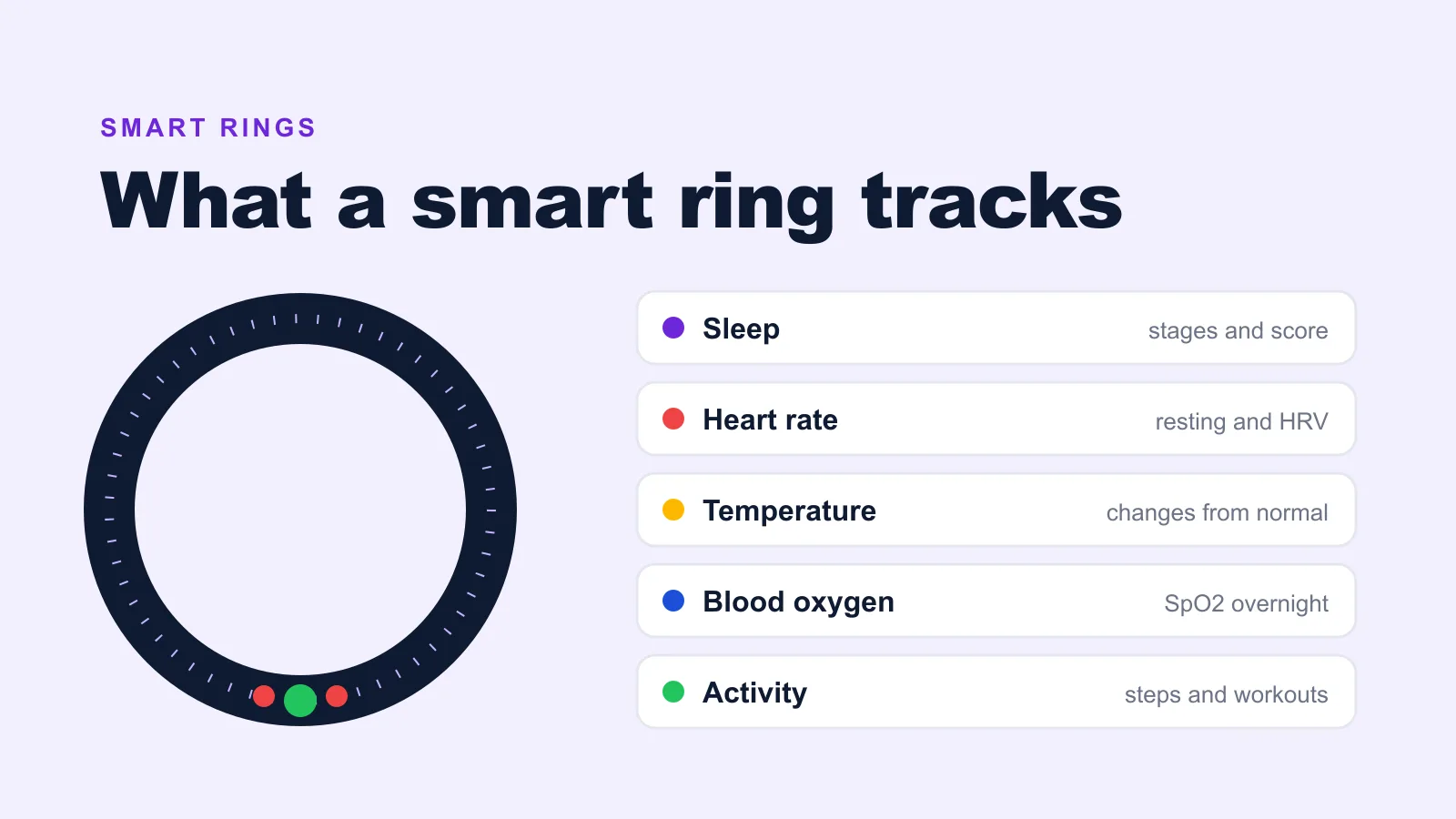
Before your ring ships, you confirm your size in one of 4 places, depending on where you bought it: My Orders in the Oura online store, the retailer you bought the kit from, Oura's business site for employer programs, or the QR code on the kit for Essence Healthcare members. Our Oura Ring 4 review covers how the ring feels in daily wear, and our guide to what a smart ring is explains the sensors that need that snug fit. To compare Oura with rings that have no subscription, see our best smart rings buying guide.
Common questions
Can I use my normal ring size for an Oura Ring?
No. Oura says its sizes differ slightly from standard US ring sizes, so a jeweller's measurement or another ring can give the wrong size. Use the Oura sizing kit for your ring generation.
Do I have to return the Oura sizing kit?
No. Oura says you do not need to return the sizing kit after choosing your size.
How do I find the size of the Oura Ring I already have?
Look inside the ring, on the side opposite the sensors, where the size is printed. In the Oura app, tap the battery icon on the Today tab, open My Devices and tap your ring.
Writes guides and reviews for ProductHunter.